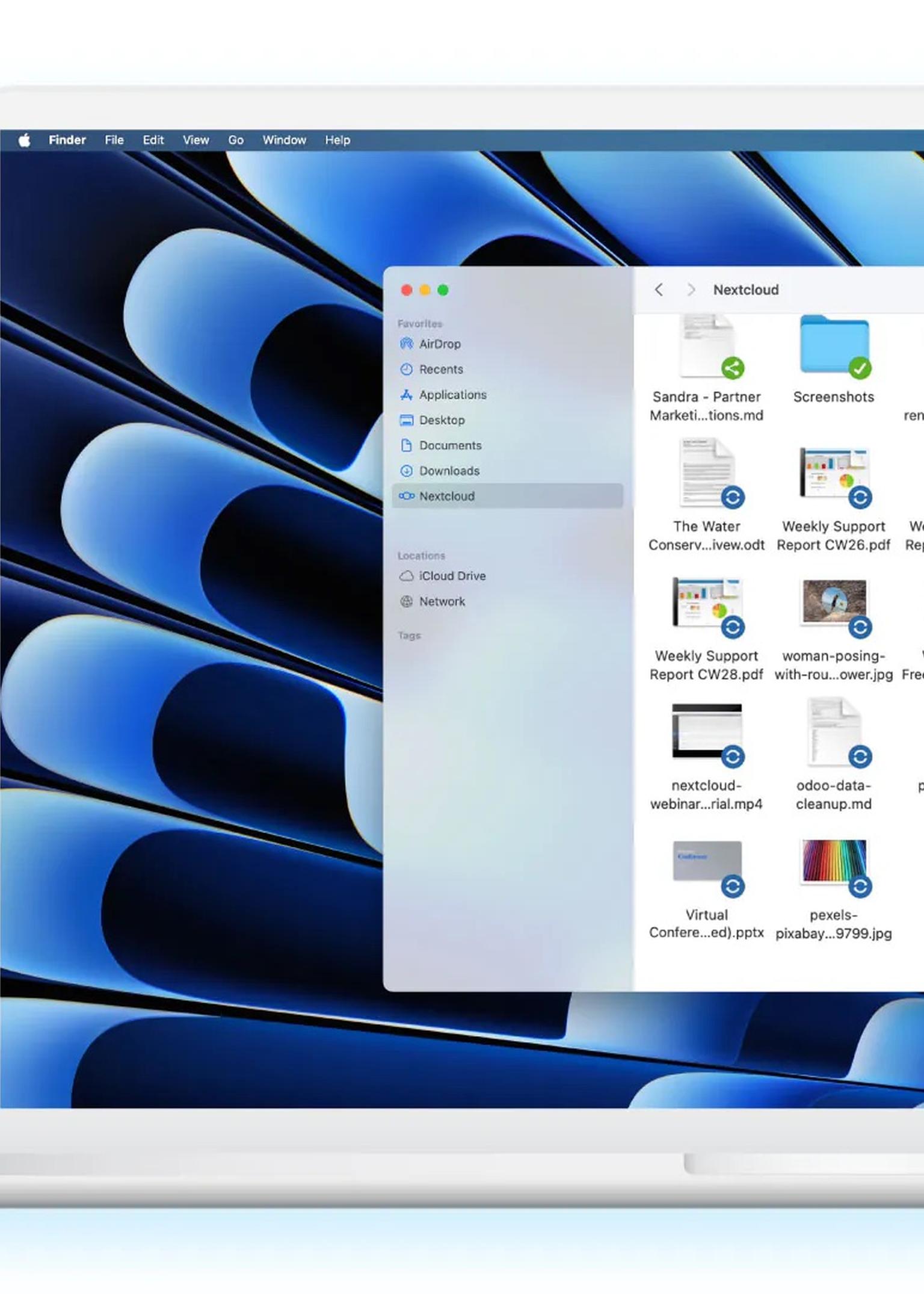
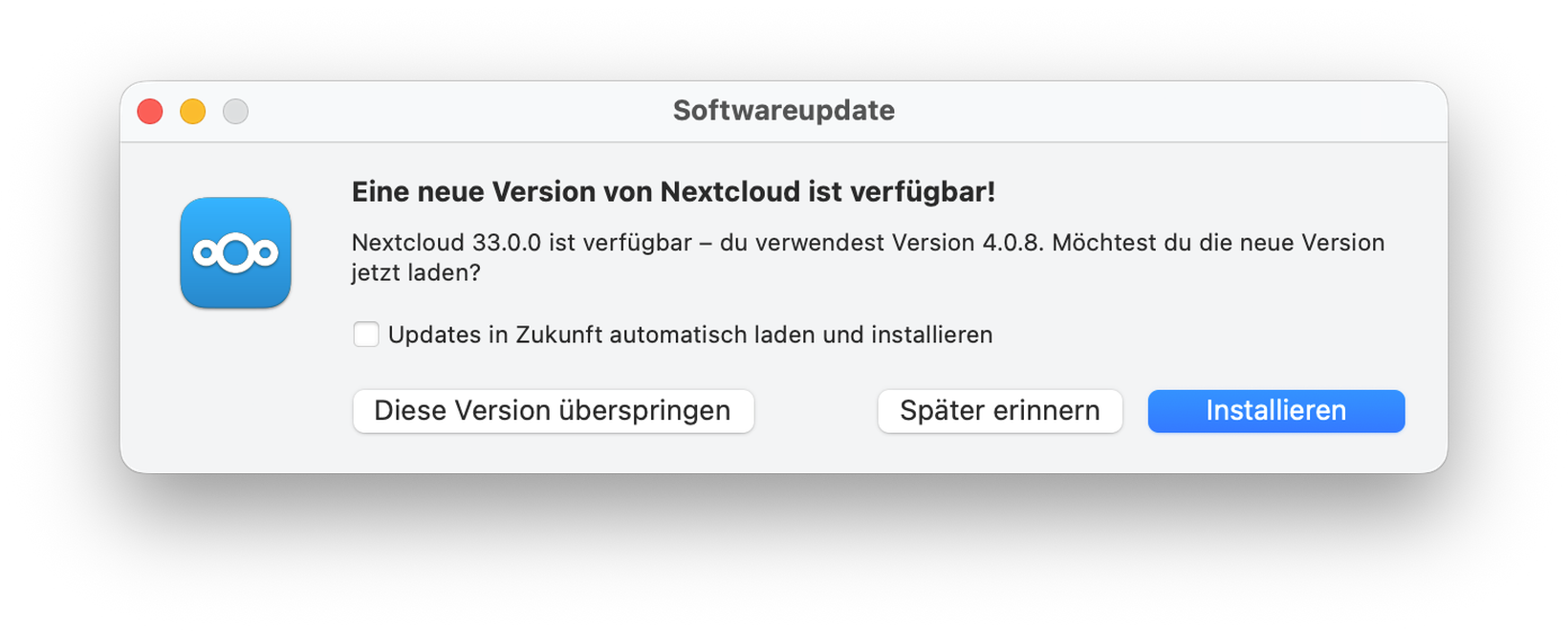
After updating to the latest version, 33.0.0, of the Nextcloud Desktop Client for macOS, existing synchronisation folders must be reauthorised once. You’ll find detailed instructions below.
This means that after the software is updated, synchronisation will no longer work properly until access to the local synchronisation folder is confirmed again in macOS.
Background
With version 33.0.0 of the Nextcloud Desktop Client for macOS, the security architecture has been fundamentally improved. The client now runs in what is known as a , an isolated environment that more strictly controls access to files and system resources, significantly improving the client’s security.
This change is an important step towards long-term compatibility with the macOS App Store. Introducing this new security architecture has one consequence for existing configurations: macOS must reauthorise access to the existing synchronisation folder.
Without this authorisation, the Desktop Client can no longer read or write files in the synchronisation folder until access is confirmed again.
What needs to be done now? ⚠️
If synchronisation is not working, please follow these steps. This is a one-off procedure and takes only about 1–2 minutes:
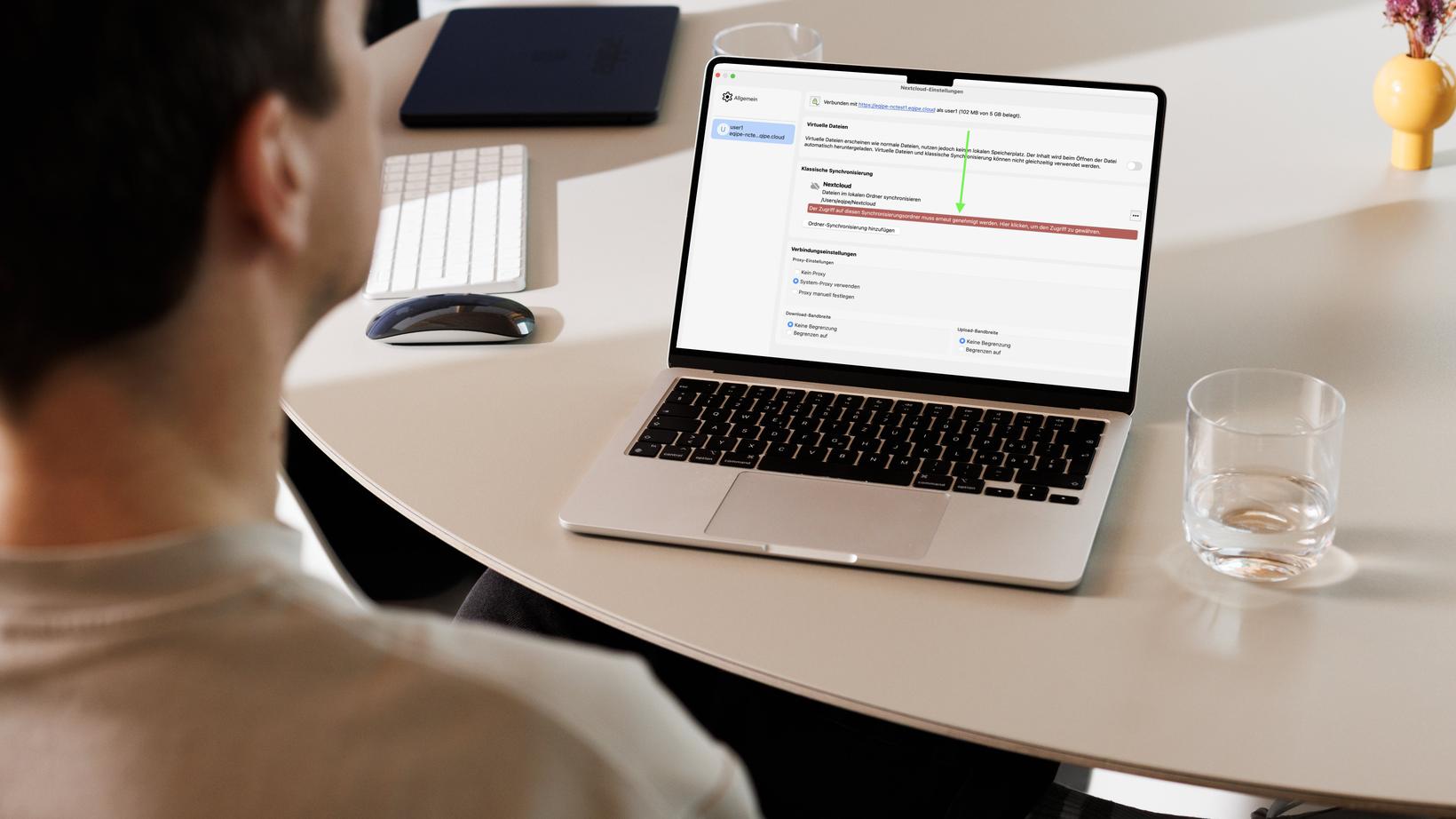
- Open the Nextcloud Desktop Client
- Go to your profile settings
- Click the message “Access to this synchronisation folder must be authorised again. Click here to grant access.”
- Select the same synchronisation folder as before (a macOS selection dialogue will open)
- Confirm your selection by clicking “Open”
Synchronisation will then work normally again. You’ll find detailed instructions on our Support page.
Notes
Don’t worry: this process does not delete any data, so everything will remain as it is. The change only needs to be made once per device and synchronisation folder, and will not be required again.
It improves security and complies with current macOS guidelines, helping to ensure that your Desktop Clients can continue to operate reliably and in accordance with the requirements.
Need support?
If you need help upgrading or setting up the Nextcloud Desktop Client, I’ll be happy to assist you by email or telephone.