
A few days ago, Nextcloud Hub 10 (version 31) was unveiled with a major release presentation. Nextcloud is increasingly evolving from a file sync and sharing solution into a unified and secure platform for digital collaboration.
Alongside performance improvements across the board, thousands of optimisations for a better user experience and greater stability, there are also many other exciting new features and improvements. We’ve summarised some of the most important points.
Find all the details about the new release in the Nextcloud blog and watch the full presentation on YouTube .
What’s new in Nextcloud Hub 10 ✨
This release includes so many new features and changes that it would be impossible to list them all. Here is a selection of noteworthy improvements, organised by category, that come with Nextcloud Hub 10.
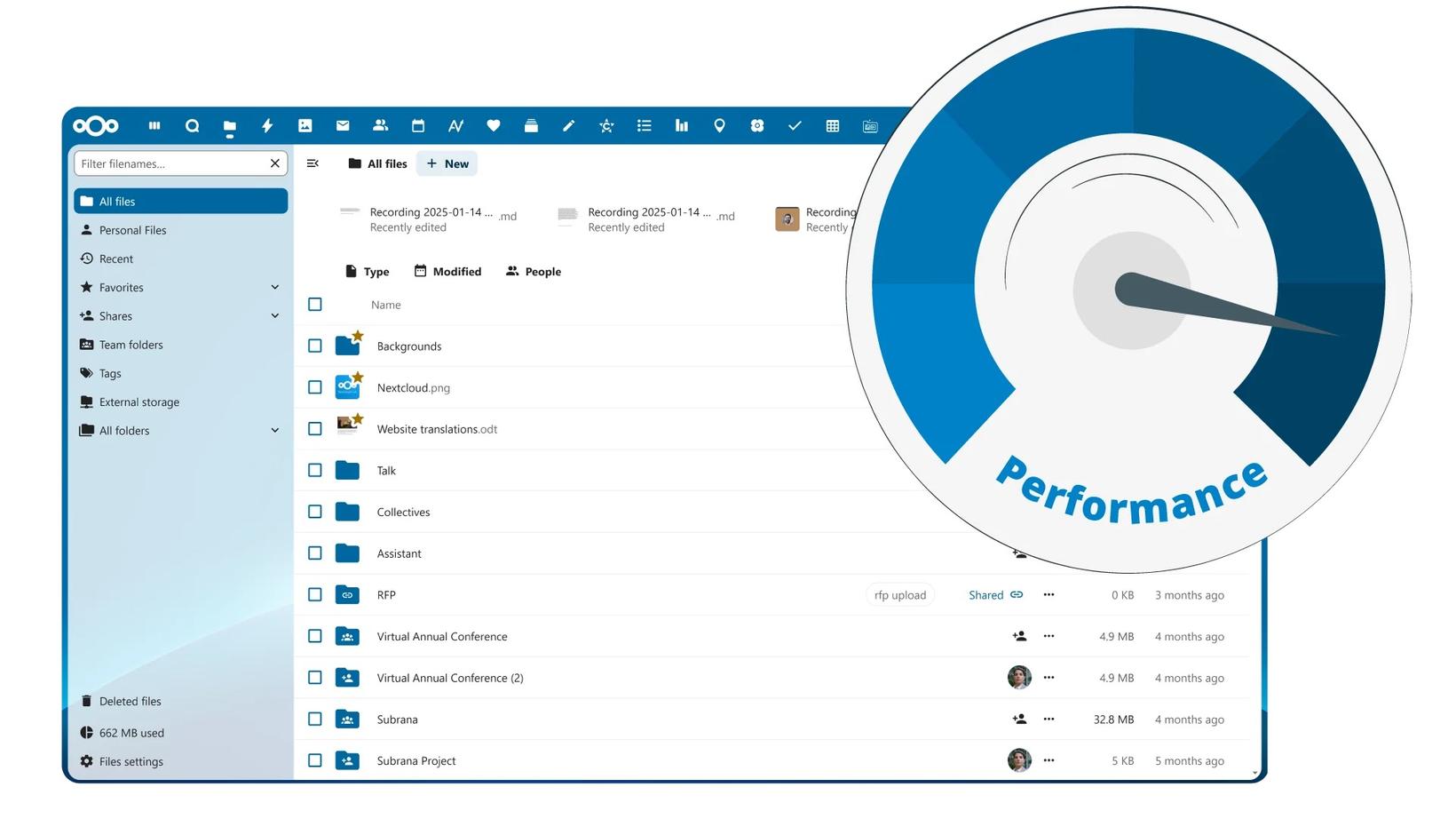
Nextcloud Files 🗂️
- File uploads up to six times faster
- Self-managed Nextcloud Teams, including shares, activities and folders
- “Group folders” are now called “Team folders”
- Sidebar for internal and external shares
- Keyboard shortcuts in the web browser, e.g. for Copy & Paste
- Opt-in option for working with E2EE-encrypted files in the browser
Nextcloud Talk 💬
- Zooming and panning screen shares – eqipe ❤️
- Administrators can limit call duration
- Setting to start with video and audio disabled
- Chat archiving and compact list view
- End-to-end encrypted calls
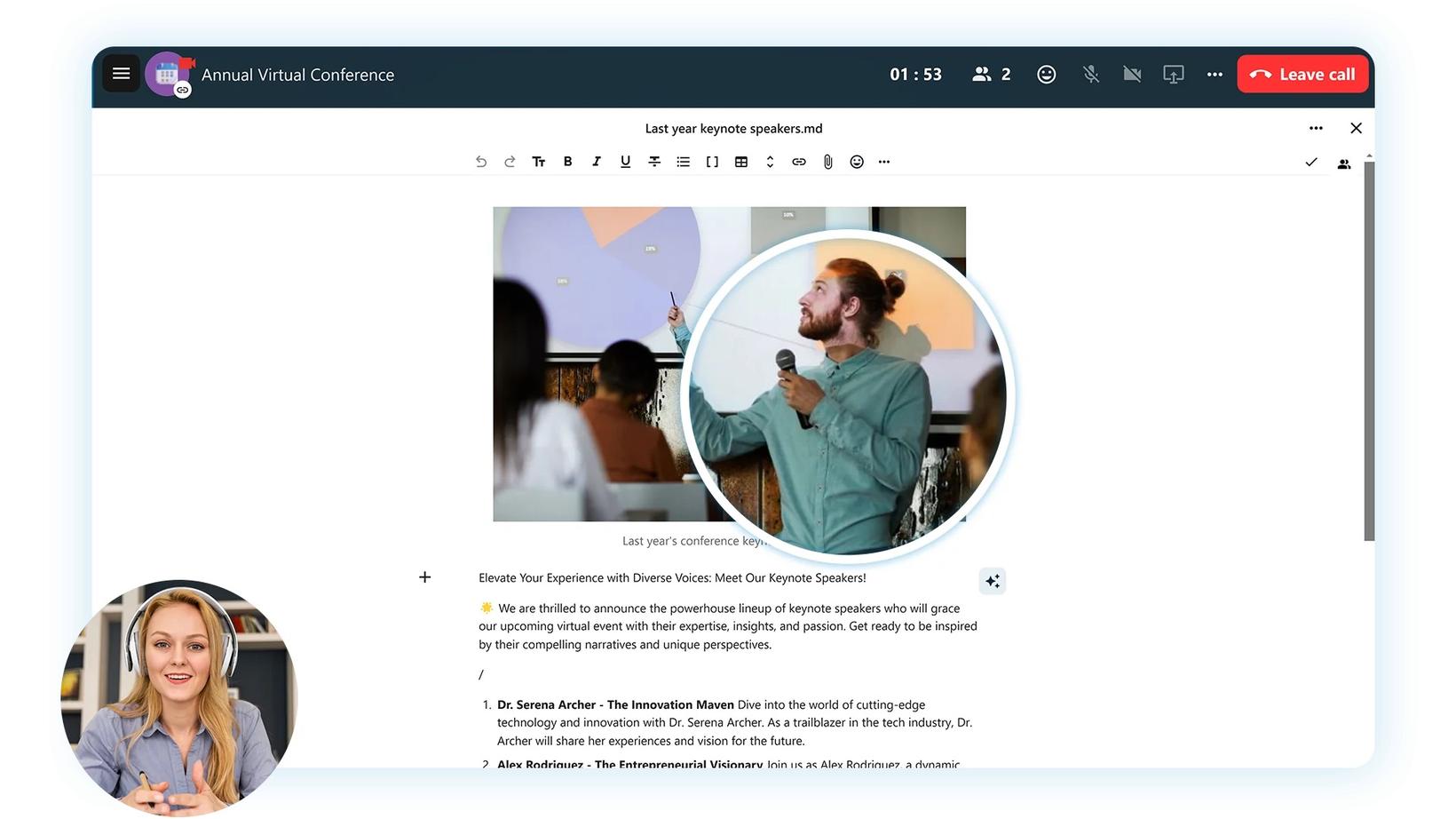
Calendar 📅
- Book meetings directly from Nextcloud Talk
- Group calendars and easier planning of large meetings
- Button to add Talk Rooms as meeting locations
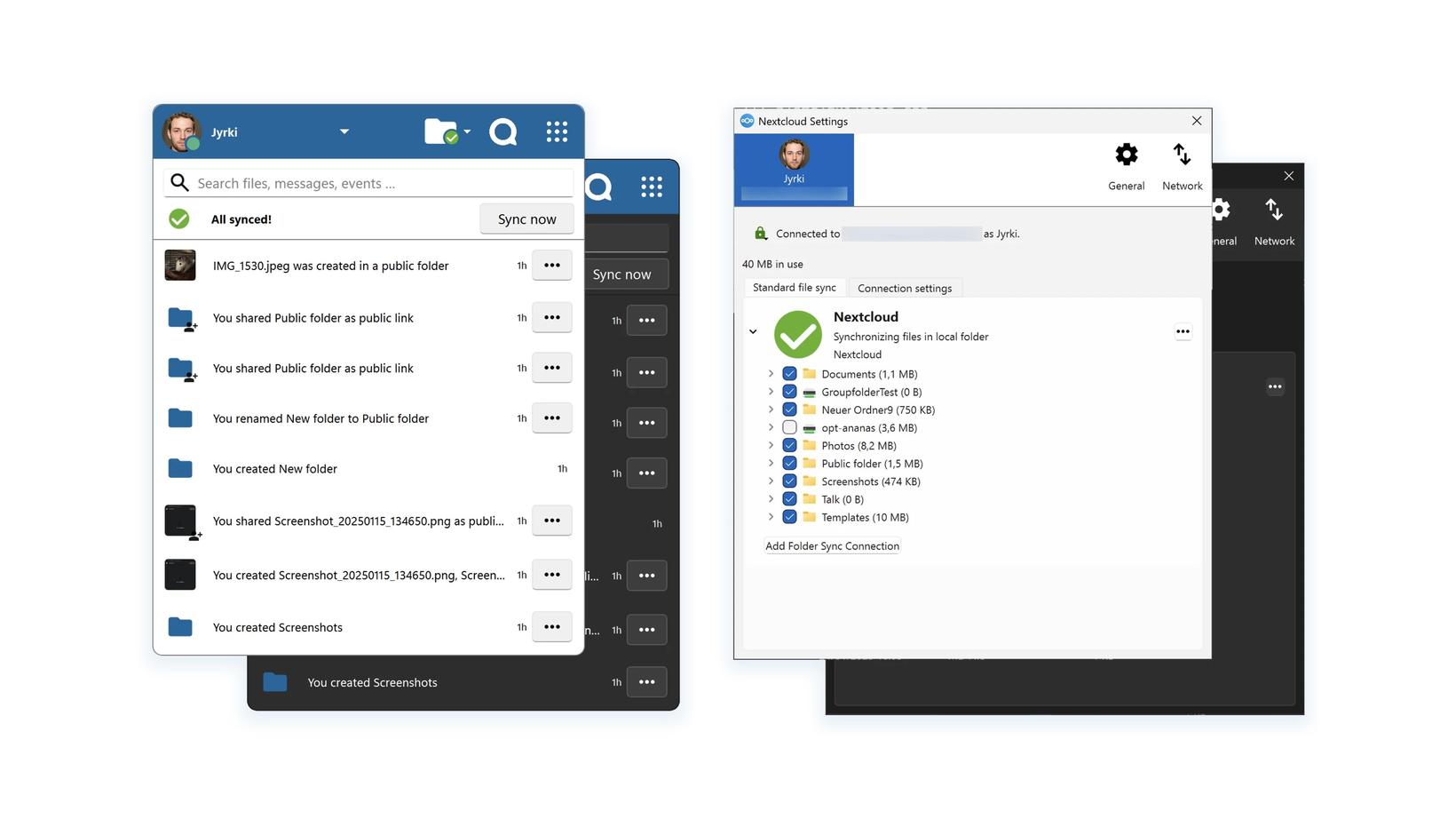
Nextcloud Clients 🖥️📱
- Work offline (mobile)
- Improved unified search (desktop, mobile)
- Native user interface (desktop)
- Trash for macOS VFS (desktop)
- Windows-compatible file names: auto-rename (desktop, mobile) – eqipe ❤️
- Chunked uploads and more permitted retries (desktop)
Security🛡️
- More options for end-to-end encryption (E2EE)
- Flexible brute-force protection
- Centralised Mobile Device Management (MDM), e.g. enforce Face ID, disable welcome screen
Nextcloud updates to version 30.0.6 🚀
Currently, around 15% of all our Nextcloud instances are already running version 30.0.6 or higher. Over the next few nights, we will upgrade all remaining Nextcloud instances to major version 30 (Hub 9).
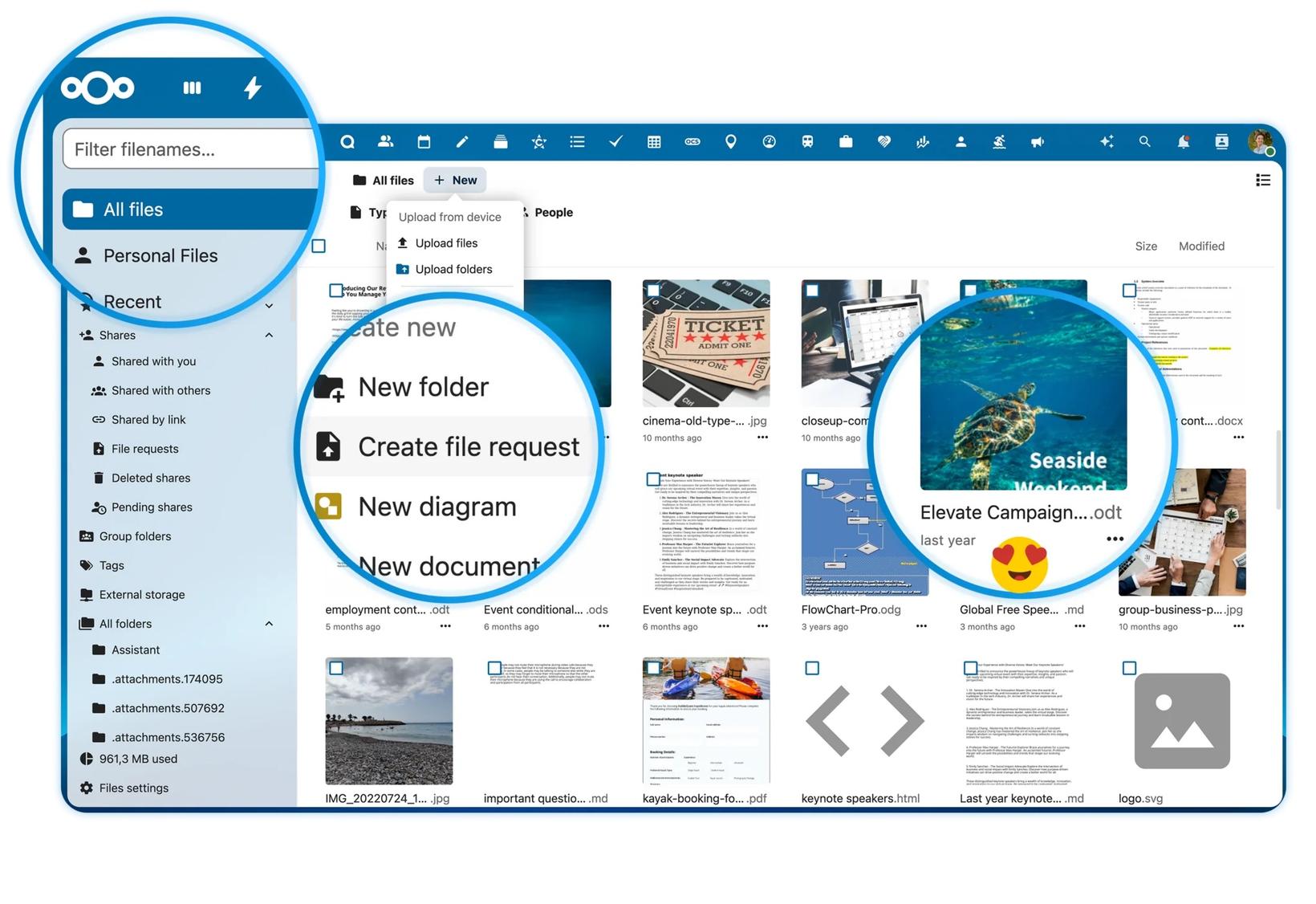
Hub 9 also offers many improvements, such as a More compact, tidier design and a Nextcloud Whiteboard for digital collaboration. Nextcloud Hub 9 also makes navigating folders in Nextcloud Files easier, introduces the file request feature and keeps you up to date on your shares.
Notice: Nextcloud version 29 reaches “End of Life” from April 2025
We keep all our customers’ Nextcloud instances on a current, officially supported release to ensure you are optimally protected. If you would like to upgrade to the latest version 31 (Hub 10) now, please contact us so we can bring the update forward manually.
For compatibility and stability reasons, we generally take a more conservative approach. We only deploy new major versions to production environments once several minor versions have been released and we have carried out extensive internal testing.
Still have questions?
If you have questions about the new Nextcloud release or are interested in cloud hosting with eqipe, my team and I would be happy to help.